
SummitOS
AI-powered automation decisions, real-time energy consumption tracking, anomaly detection, and multi-channel reservation and room management, all in one modern panel. Manage your hotel with full control from anywhere.
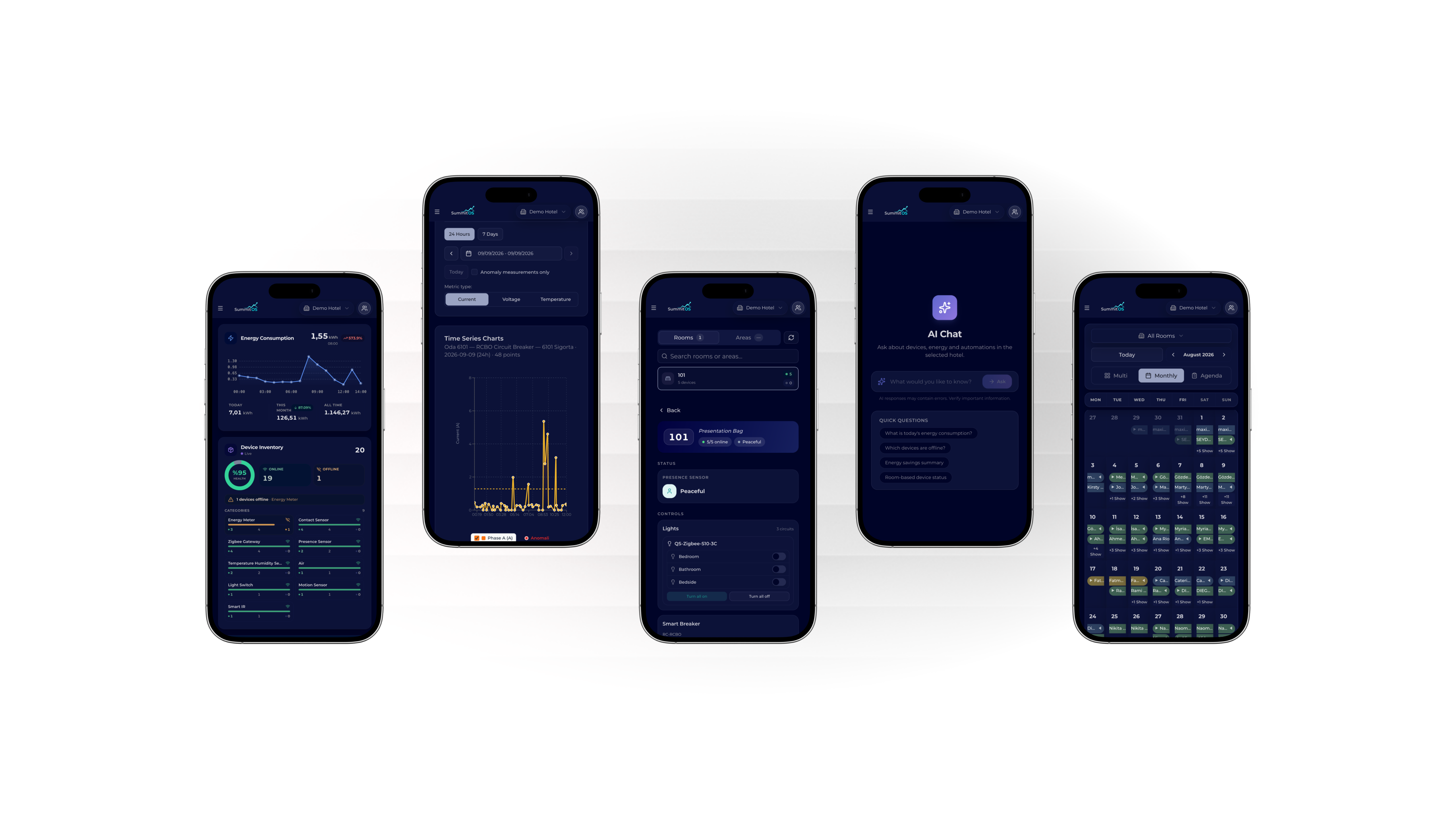
01. Real-Time Energy Consumption and Savings Tracking
Put an end to unnecessary spending: monitor real-time energy consumption (kWh) across your entire hotel and by individual room. Define a unit price to get direct financial cost and savings projections.
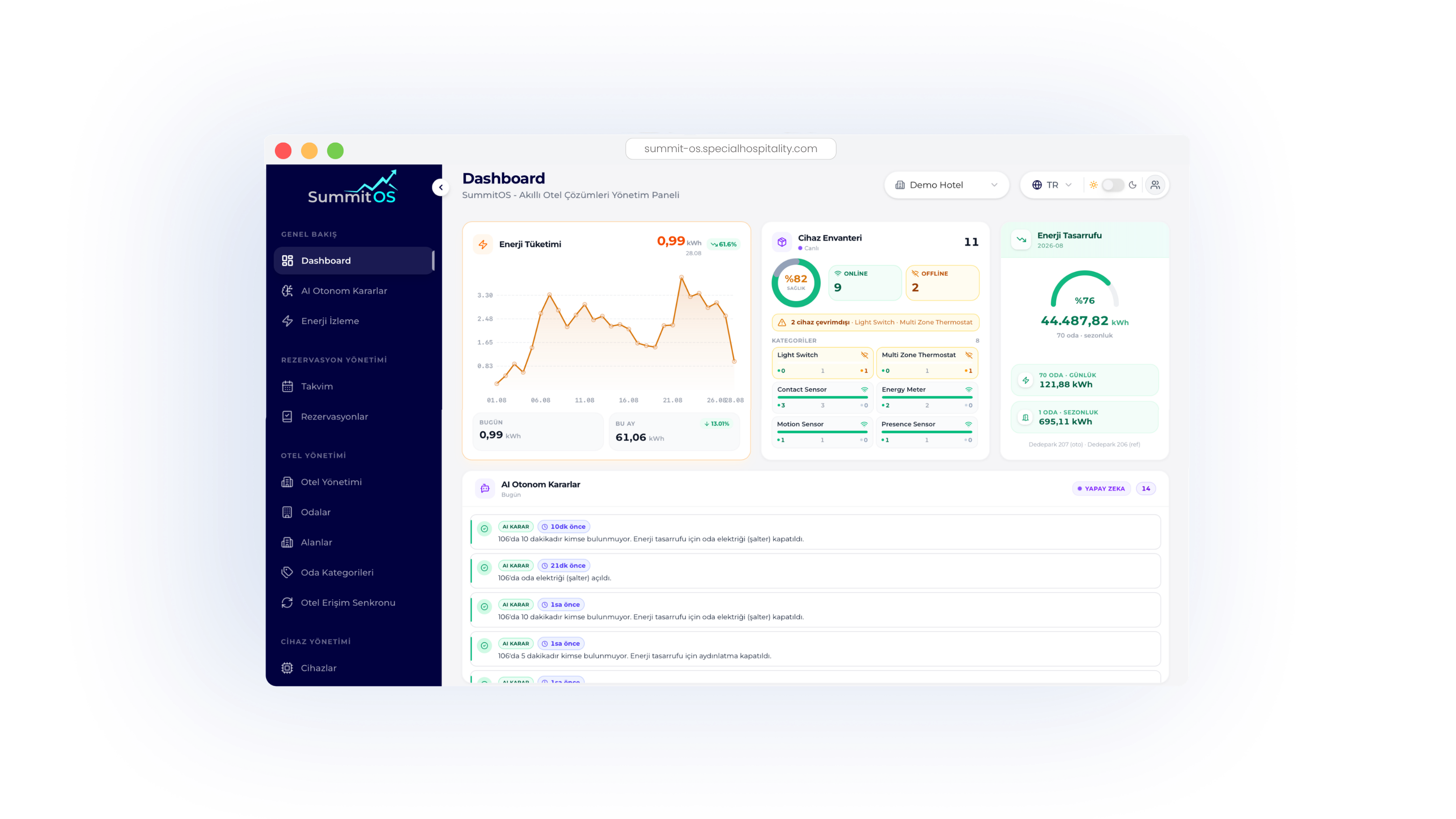
02. AI-Powered Decision Mechanism and Automation
- Automatic Vacancy Detection: Room 106 has been vacant for 5 minutes, so lighting was automatically turned off.
- Smart Power Control: Room power switches are safely shut down or restored to save energy.
- Full Audit Log: Every automated action is recorded with a timestamped event log.
03. Device Health and Reservation Management
- 90%+ device online health ratio
- Instant offline device alerts
- Category-based device grouping
- Daily guest occupancy indicators
- Seamless check-in / check-out flow
- Fast filtering and room group management
FAQ
Frequently Asked Questions
How do I log into the SummitOS Owner Panel?
For your security, there's no password to remember. Log in from mobile or desktop in seconds using a one-time verification code (OTP) sent to your registered email address.
How does the AI make energy-saving decisions? Does it affect guest comfort?
No, guest comfort always comes first. The system relies on high-sensitivity presence and door/window sensors. Once a guest leaves the room and a set grace period elapses (e.g. 5-7 minutes), lighting and climate control gradually switch to savings mode, returning to normal instantly when the guest comes back.
How does anomaly detection work, and how am I notified?
The system monitors current, voltage, and temperature values around the clock. When a reading exceeds normal thresholds or a circuit-breaker anomaly is detected, it's flagged on the panel with a warning indicator and a notification is sent.
Can I manage multiple hotels or properties from a single panel?
Yes. The property selector in the top bar lets you switch between multiple facilities (Demo Hotel, City Hotel, Resort, etc.) within a single session.
Does the mobile panel support both dark and light mode?
Yes, the system is designed with both a modern Dark Mode and a high-readability Light Mode, automatically adapting to ambient light or user preference.